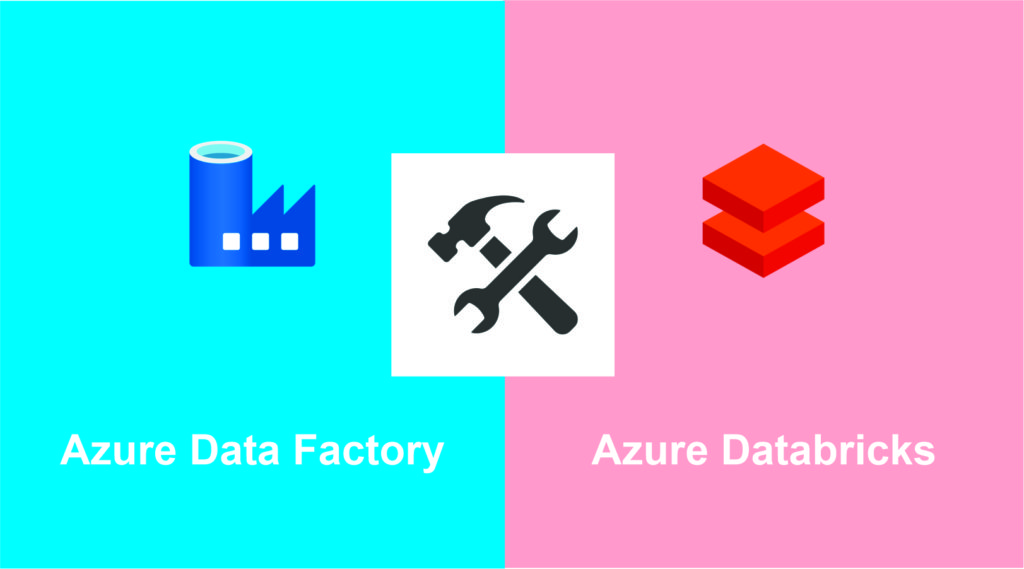
Azure Data Factory vs Databricks:
Usage:
Azure Data Factory is a data integration service tool for running ETL processes and orchestrating data movement at scale; it maps data flows using Apache Spark clusters.
While Databricks uses a similar architecture, it provides a unified, collaborative platform for data engineers and data scientists to perform ETL and build machine learning models with visualization dashboards. Although both can perform scalable data transformation, data aggregation, and data movement tasks, there are some fundamental underlying differences between ADF and Databricks, as mentioned below:
Databricks uses Python, Spark, R, Java, or SQL to perform Data Engineering and Data Science activities using notebooks. ADF, however, provides a drag-and-drop capability to visually create and maintain data pipelines. It consists of Graphical User Interface (GUI) tools that enable applications to be delivered at a higher rate.
Coding flexibility
Although ADF makes the ETL pipeline process easier through GUI tools, developers have less flexibility because they cannot modify the back-end code. Databricks, on the other hand, implements a programmatic approach that provides the flexibility to fine-tune code to optimize performance.
Data Processing
Companies usually perform batch or stream processing when working with a large volume of data. While batch handles data in bulk, streaming handles live transmission (real time) or archived data (less than twelve hours old), depending on the applications. ADF and Databricks support batch and streaming options, but ADF does not support live streaming, which can also be handled by Stream Analytics. Databricks, on the other hand, supports live and archived streaming options through the Spark API.
Mapping data flows are visually designed data transformations in ADF. They allow data engineers to develop data transformation logic without writing code (low code). The output of data flows is executed as activities in Azure Data Factory pipelines that use scaled Apache Spark clusters. Data flow activities can be operationalized using ADF’s existing scheduling, control, flow, and monitoring capabilities.
Mapping data flows provide a fully visual experience with no coding required. Data flows run on ADF-managed execution clusters for horizontally scalable data processing. ADF handles all code translation, path optimization, and execution of your data flow jobs.
Databricks is based on Apache Spark and provides in-memory computing with language support for Scala, R, Python, and SQL. Data transformation/engineering can be done in notebooks with statements in different languages. This makes the technology flexible enough to include advanced analytics and machine learning as part of the data transformation process. You can also run each step of the process in a notebook, so step-by-step debugging is easy. You will also be able to see this process while the job is running, making it easy to tell whether your job has stopped.
Azure Databricks clusters can be configured in several ways, both in terms of the number and type of compute nodes. Managing the definition of the right cluster is state of the art, but you can get very close because you can configure your cluster to automatically scale within a defined limit according to the workload. It can also be configured to terminate automatically after being idle for a certain period. When used with ADF, the cluster is initialized when activities start. Parameters can be sent into and out of ADF. Azure Databricks is tightly connected to other Azure services, Active Directory, Key Vault, and data storage options such as blob, data lake storage, and SQL.
Conclusion
Companies continuously anticipate the growing demands of Big Data Analytics to take advantage of new opportunities. With the rise of cloud applications, organizations are often in a dilemma when choosing between Azure Data Factory and Databricks. If a company wants to try a no-code ETL pipeline for data integration, easy maintenance, and higher productivity, ADF is better. On the other hand, Databricks provides a Unified Analytics platform to integrate multiple ecosystems for BI reporting, Data Science, and Machine Learning, although it still has considerable complexity when integrating with other tools such as Azure Purview, for example. Reconciling the two, Azure Data Factory is better suited for movement and orchestration, while preparation and collaboration are better served by Databricks.
| FEATURES | ADF | DATABRICKS |
|---|---|---|
| Data variety | Structured and unstructured data | Structured and unstructured data |
| Data velocities | batch and real-time | batch and real-time |
| Development tools | Web Browser | Web Browser |
| Development languages | .NET, PowerShell, or Python | Python, Scala, R ou SQL |
| Cost | Pay as you go | Pay as you go |
| Usage | ETL or ELT, orchestration, and data movement | Data preparation and collaboration |
| CD/CI | Easier implementation and pipeline evolution | More complexity to generate a continuous delivery pipeline |
Source: Microsoft.